POS Software
Retail POS System
Barcode scanning, stock alert, multi-counter billing and daily sales reports.
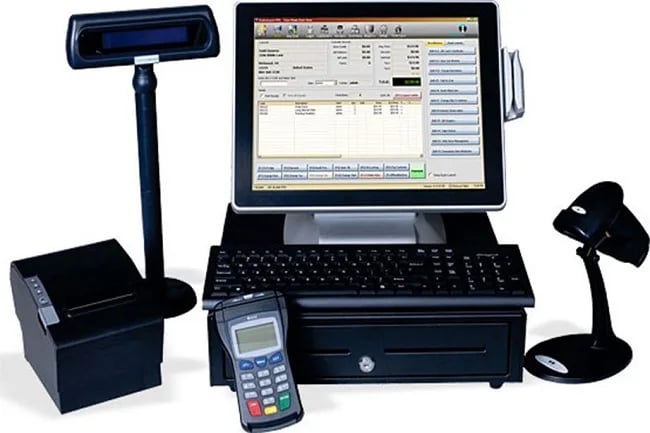
RETAIL POS Management System
- Sign In the system.
- See User Dashboard, quick search in top navigation.
- Profile: password can be changed for this system.
Setup
- Retail Shop: There are several detail information about the shop.
- System User: Add new User, See & Update All user list
- Brand: Add new brand, See & Update Brand list.
- Supplier: Add Supplier details, See & Update All Supplier details list
- Customer: Add Customer details, See & Update All Customer details list.
Product
- Group: Add new group, See & Update All Group list
- Category: Add new Category, See & Update All category list.
- Measurement: Add new Measurement, See & Update all Measurement List.
- Attribute: Add new Attribute, See & Update Attribute list.
- Attribute Value: Add Attribute Value, See & Update Attribute Values list
- Detail: Add products details, See & Update All product details list
Operation
- Purchase Order: Add Purchase order details, See & Update All purchase order list.
- Purchase receive order: Add Received/ Cancelled order, All purchase order list.
- Sale: Add sale details, See & Update All sale details list.
Reports
This is report list. here is the following list which is categorize by:
- Daily Reports
- Monthly Reports
- Yearly Reports
- Stock Report Reports
- Payment wise Reports
- sales by products category Reports
- sales by products details Reports.
Build with us
Want an app like this for your business?
We design, build and publish Android & iOS apps and business systems — end to end.